Back to Top Button for Squarespace
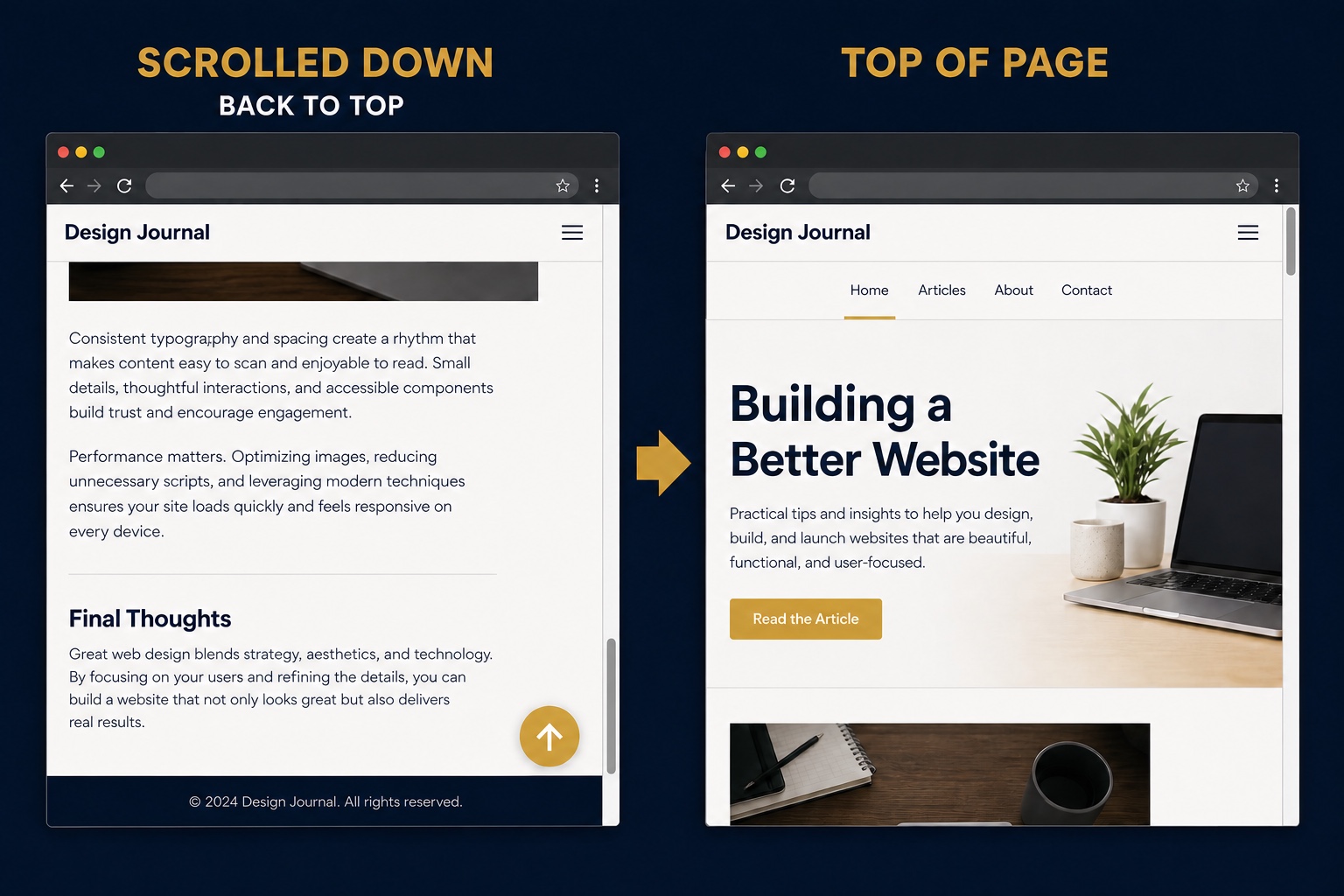
Long pages need an easy way back to the navigation. This snippet injects a floating back to top button on every page of your Squarespace site: it stays hidden until the visitor scrolls down about 400 pixels, fades in, and smooth scrolls to the top when clicked. The button and its arrow icon are created entirely in JavaScript, so you never have to add blocks to individual pages, and all the styling lives in one small CSS block you can adjust to match your brand.
The Code
<script>
(function () {
  /* Create the button with an inline SVG arrow */
  var btn = document.createElement('button');
  btn.id = 'back-to-top';
  btn.setAttribute('aria-label', 'Back to top');
  btn.innerHTML = '<svg width="20" height="20" viewBox="0 0 24 24" fill="none" stroke="currentColor" stroke-width="2.5" stroke-linecap="round" stroke-linejoin="round"><polyline points="18 15 12 9 6 15"></polyline></svg>';
  document.body.appendChild(btn);

  /* Show after scrolling roughly 400px */
  function toggle() {
    btn.classList.toggle('is-visible', window.scrollY > 400);
  }
  window.addEventListener('scroll', toggle, { passive: true });
  toggle();

  /* Smooth scroll to the top on click */
  btn.addEventListener('click', function () {
    window.scrollTo({ top: 0, behavior: 'smooth' });
  });
})();
</script>#back-to-top {
position: fixed;
right: 24px;
bottom: 24px;
z-index: 999;
width: 48px;
height: 48px;
border: none;
border-radius: 50%;
background: #1f2937; /* change to your brand color */
color: #ffffff;
display: flex;
align-items: center;
justify-content: center;
cursor: pointer;
box-shadow: 0 4px 14px rgba(0, 0, 0, 0.25);
opacity: 0;
visibility: hidden;
transform: translateY(8px);
transition: opacity 0.25s ease, transform 0.25s ease, visibility 0.25s;
}
#back-to-top.is-visible {
opacity: 1;
visibility: visible;
transform: translateY(0);
}
#back-to-top:hover {
transform: translateY(-2px);
}How to Install It
- 1Go to Settings > Advanced > Code Injection (Website Tools > Code Injection on newer dashboards).
- 2Paste the JavaScript block into the Footer field and save.
- 3Go to Design > Custom CSS, paste the CSS block, and change the background color to your brand.
- 4Preview any page and scroll down; the button fades in at the bottom right.
Compatibility and Plan Requirements
Squarespace 7.1 and 7.0. Uses only standard browser APIs; smooth scrolling falls back to an instant jump in very old browsers.
This snippet uses JavaScript, which Squarespace only runs through code injection or code blocks on the Business plan or higher. On Personal plans the script will not execute.
More Squarespace Snippets
View all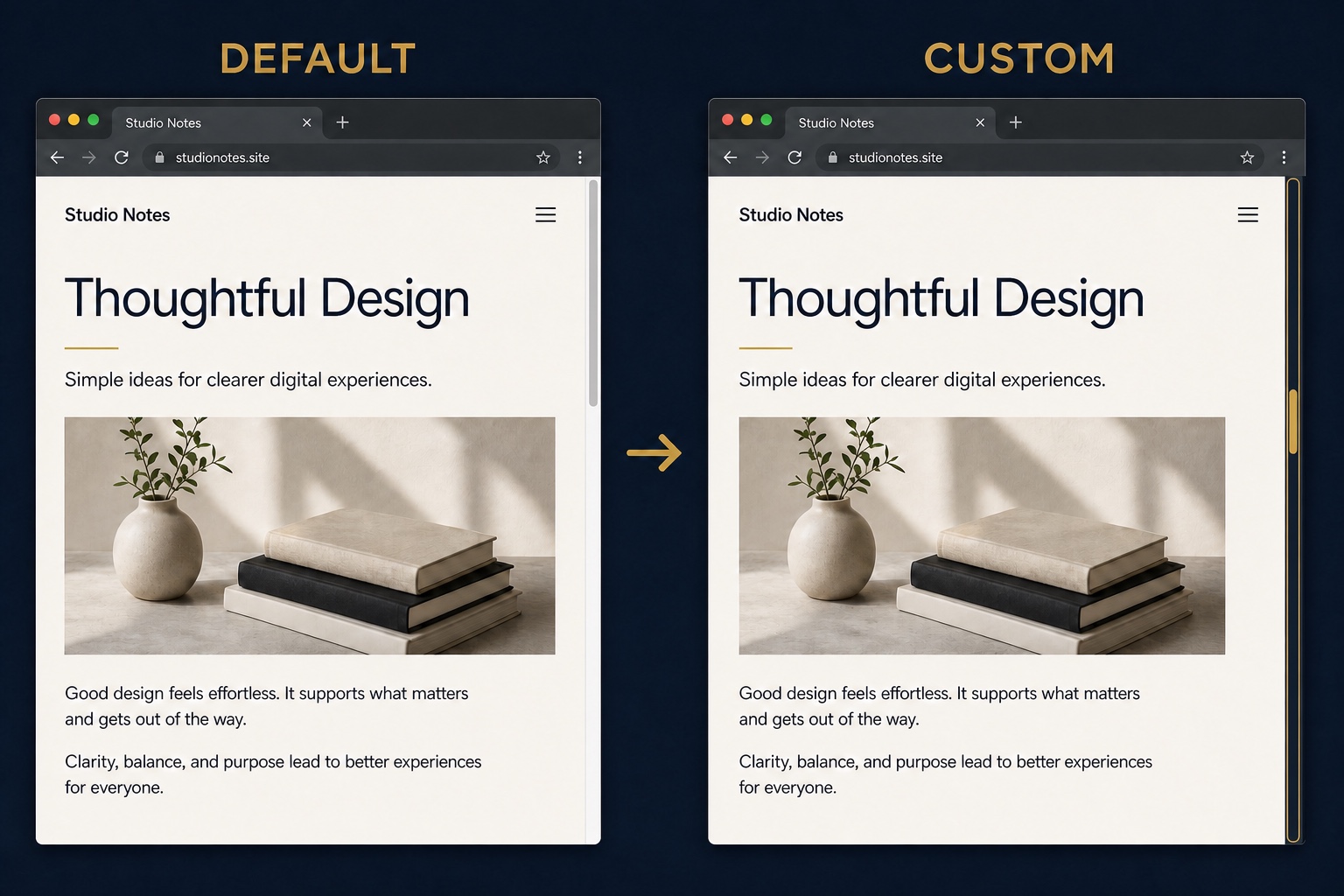

Want This Done For You?
If you would rather not touch code, or you need something bigger than a snippet, I build custom Squarespace features for clients every week: widgets, search and filter tools, integrations, and full sites.