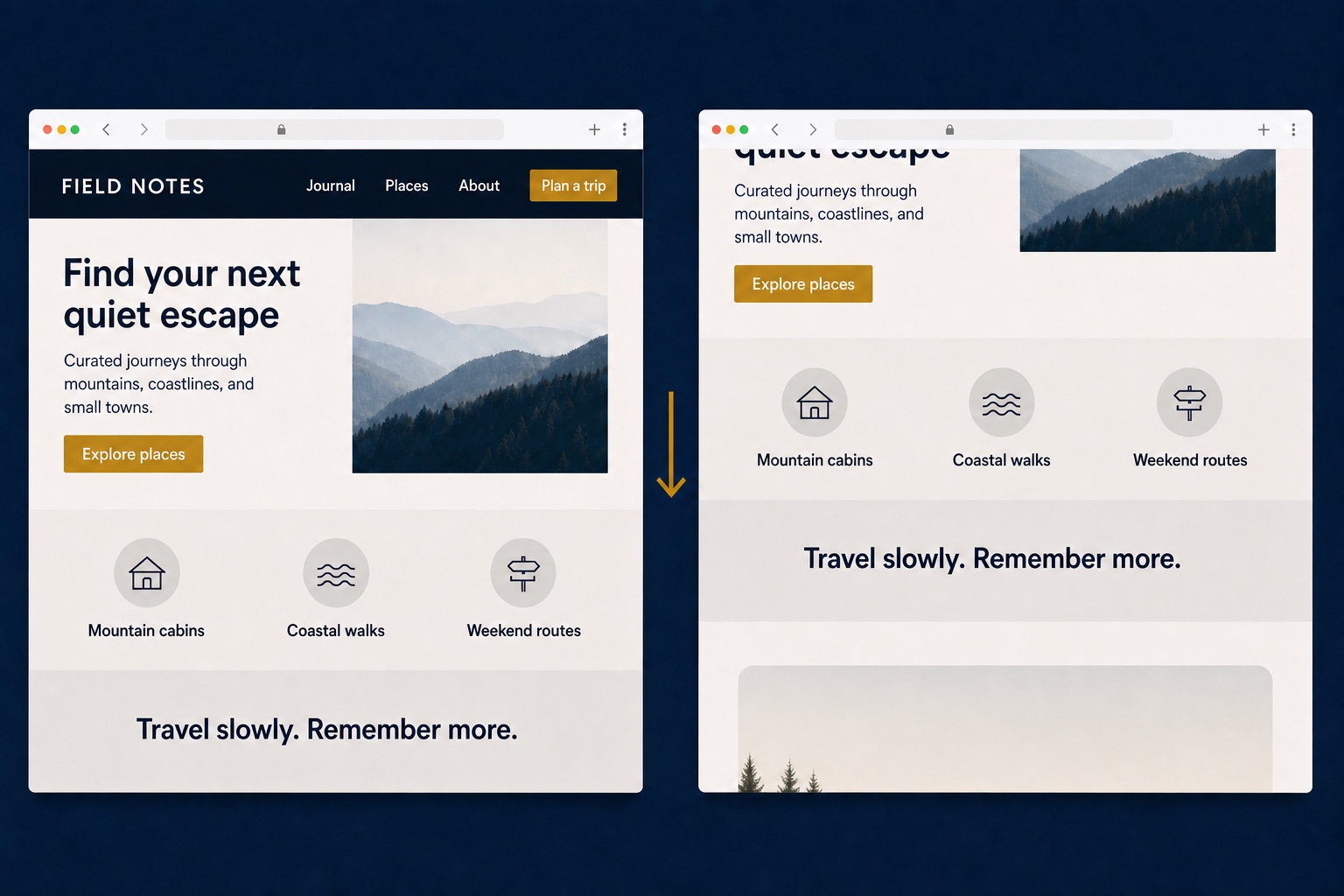
Navigation & Header
01JavaScript · Business+
Hide Header on Scroll
Slides the header out of view while visitors scroll down and brings it back the moment they scroll up.
Tested CSS and JavaScript customizations for Squarespace 7.1, each with clear installation steps, compatibility notes, and the exact plan you need.
14 snippets found
Featured snippets
Popular customizations that make an immediate visual or usability difference.
Slides the header out of view while visitors scroll down and brings it back the moment they scroll up.

Three standalone hover styles for Squarespace buttons: a lift with shadow, a color wipe, and a letter spacing expansion.
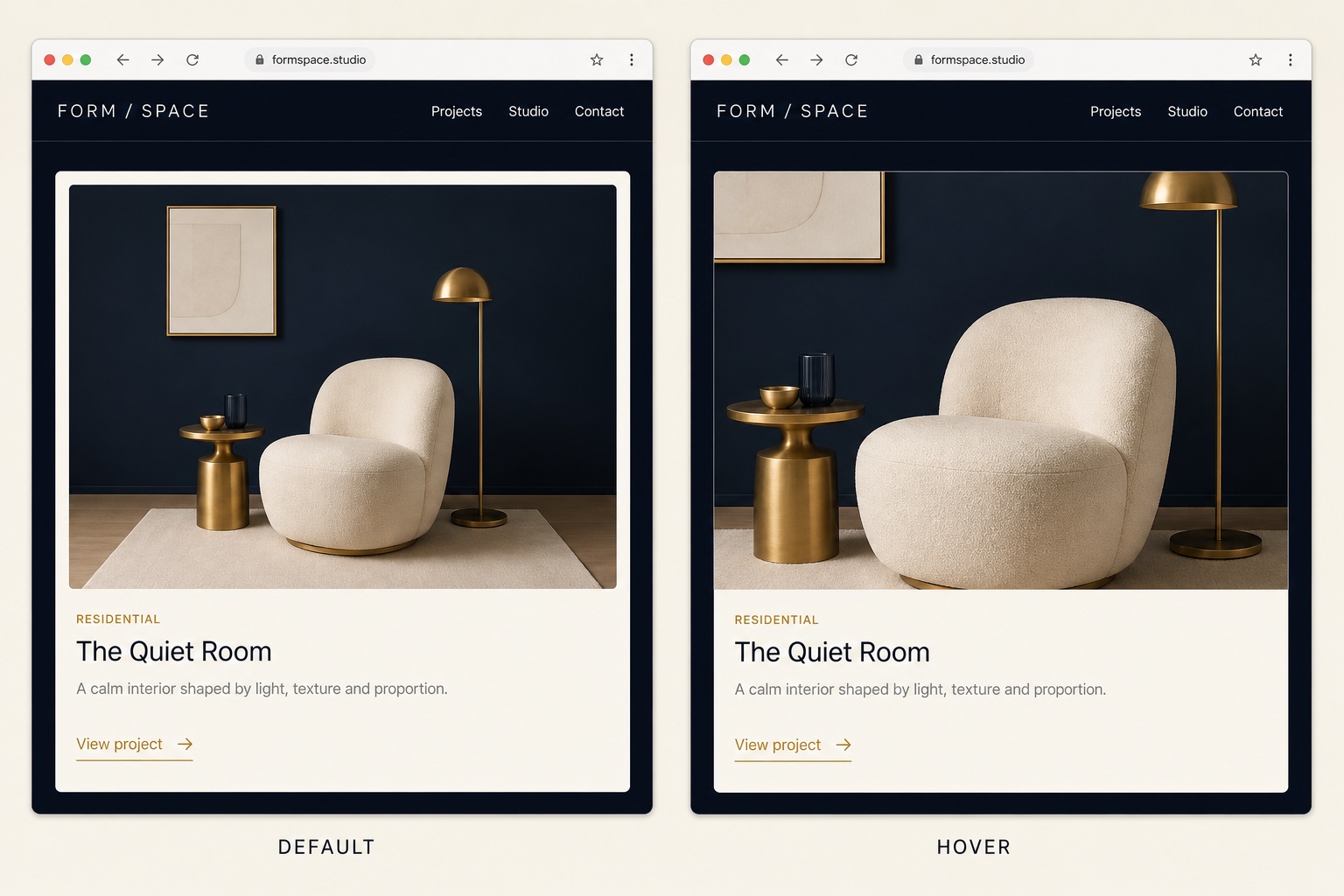
Applies a smooth scale-on-hover effect to image blocks and gallery items, cropped cleanly inside their frames.
Snippet library
11 more tested customizations
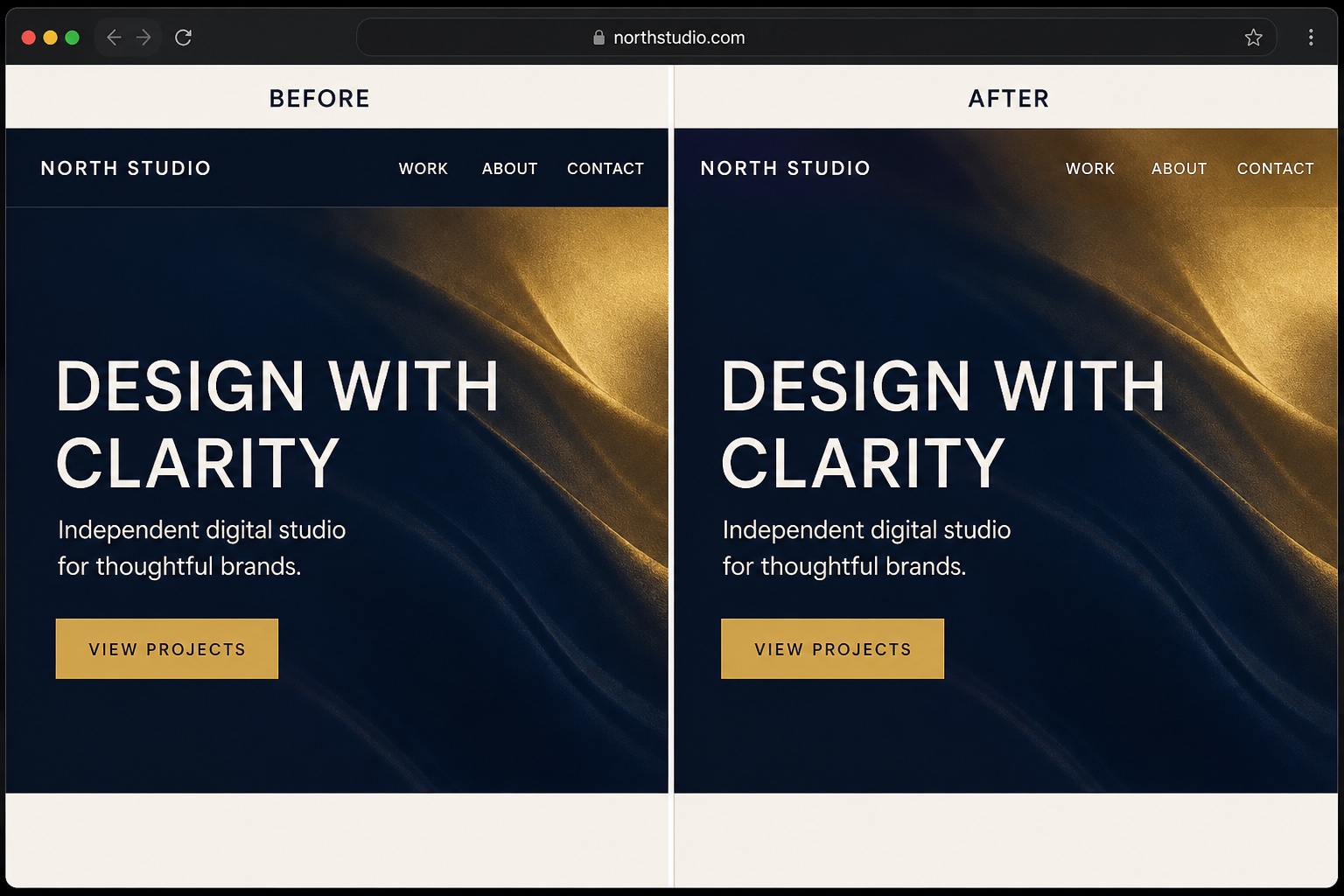
Removes the header background and overlays the navigation on your first section, with an optional solid state on scroll.

Restyles the default announcement bar with a gradient background, refined typography, and a subtle close button.
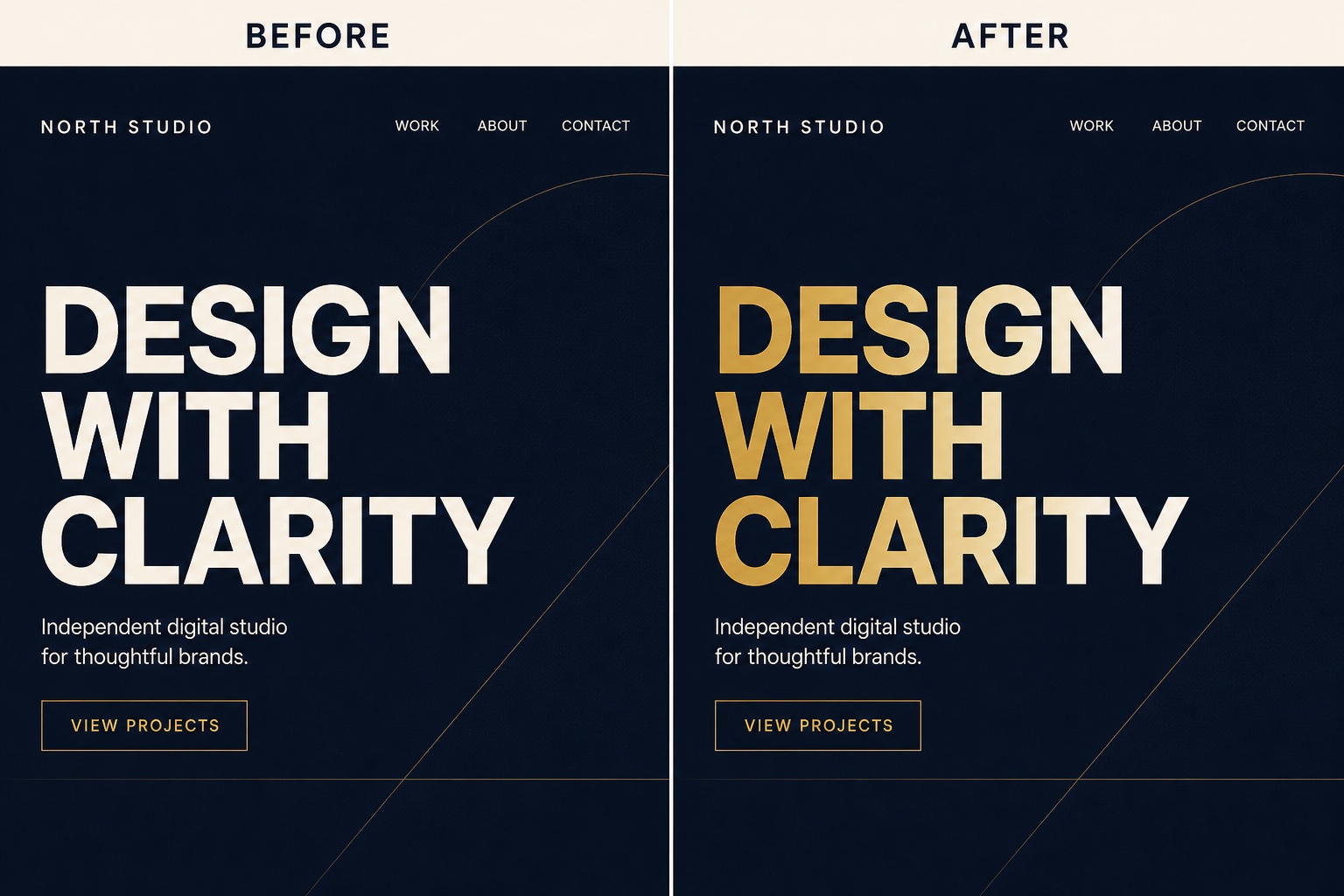
Paints H1 and H2 headings with a CSS gradient, with a solid color fallback for browsers that cannot clip backgrounds to text.
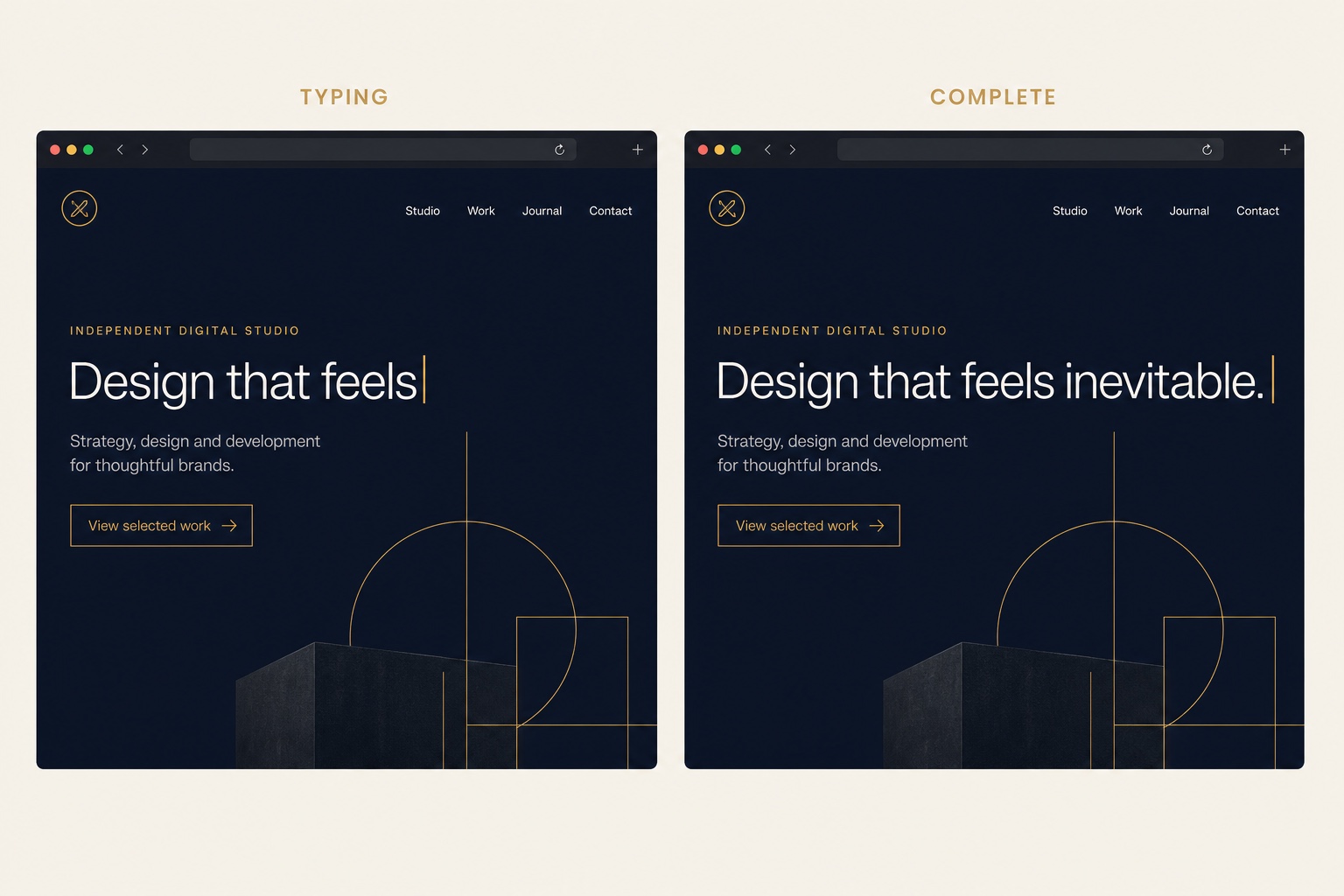
Types and deletes a rotating list of words inside a heading, with a blinking caret, in plain vanilla JavaScript.
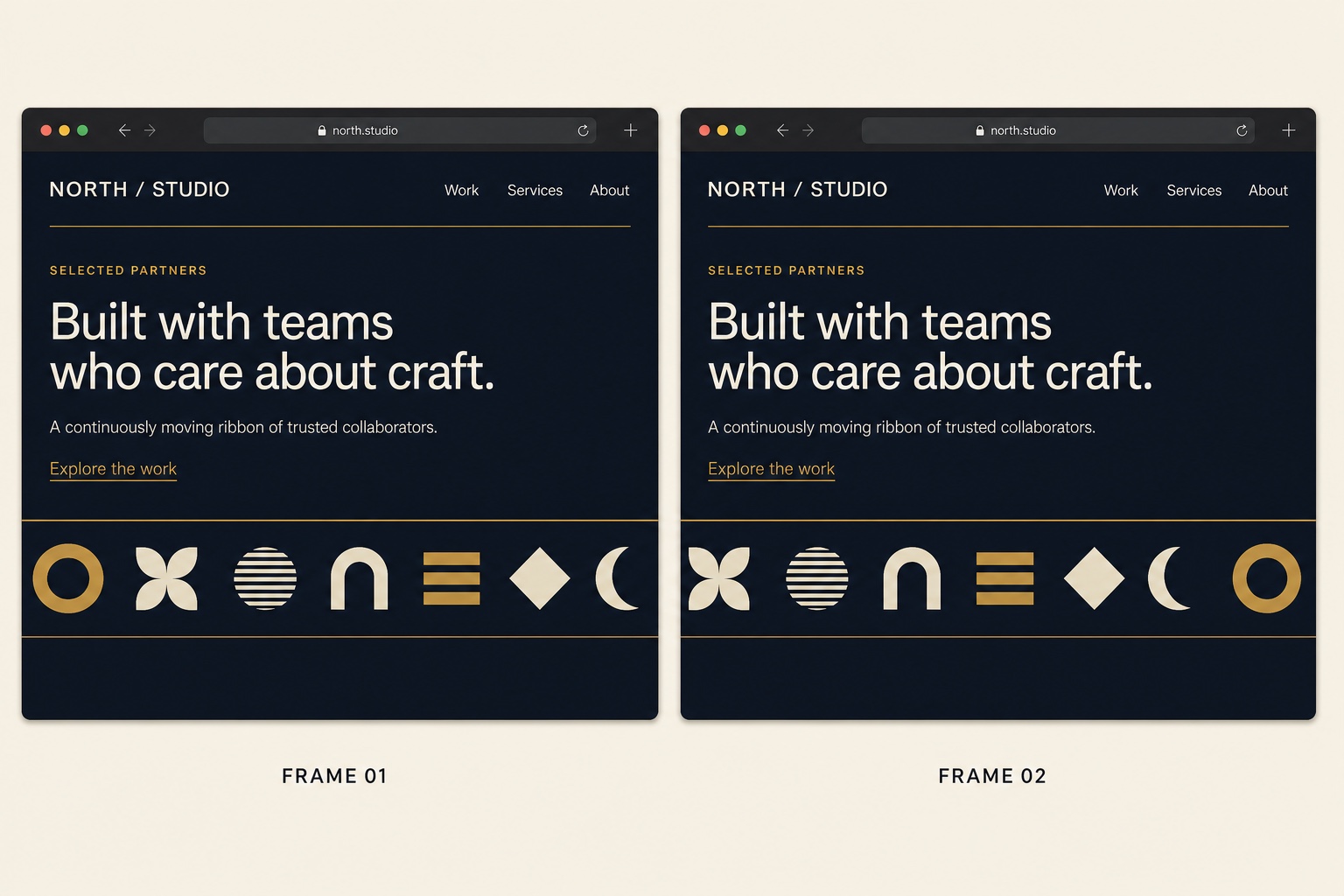
An infinite scrolling strip of client logos built with HTML and CSS only: seamless loop, faded edges, no JavaScript.
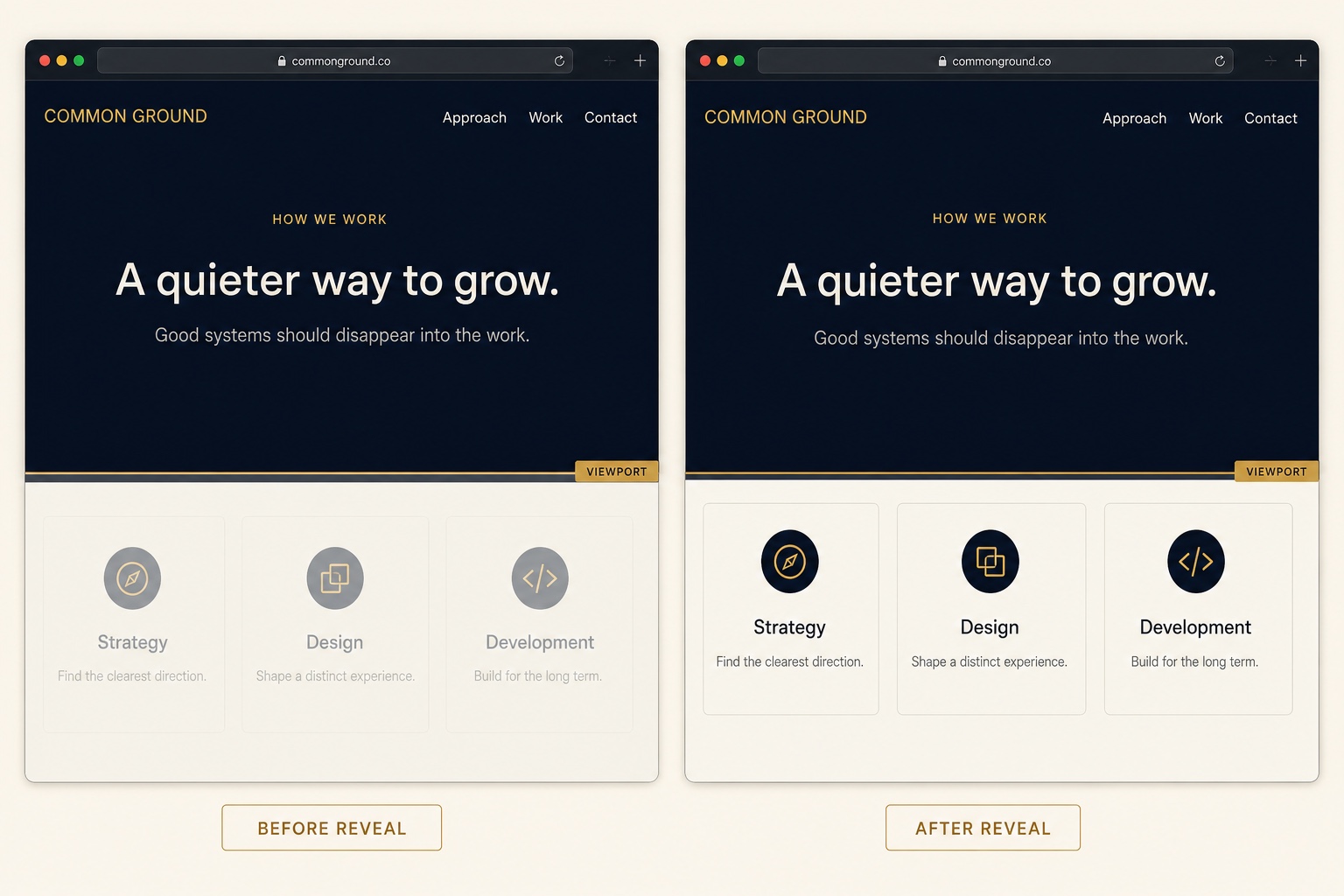
Fades each page section up into view the first time it enters the viewport, using the IntersectionObserver API.
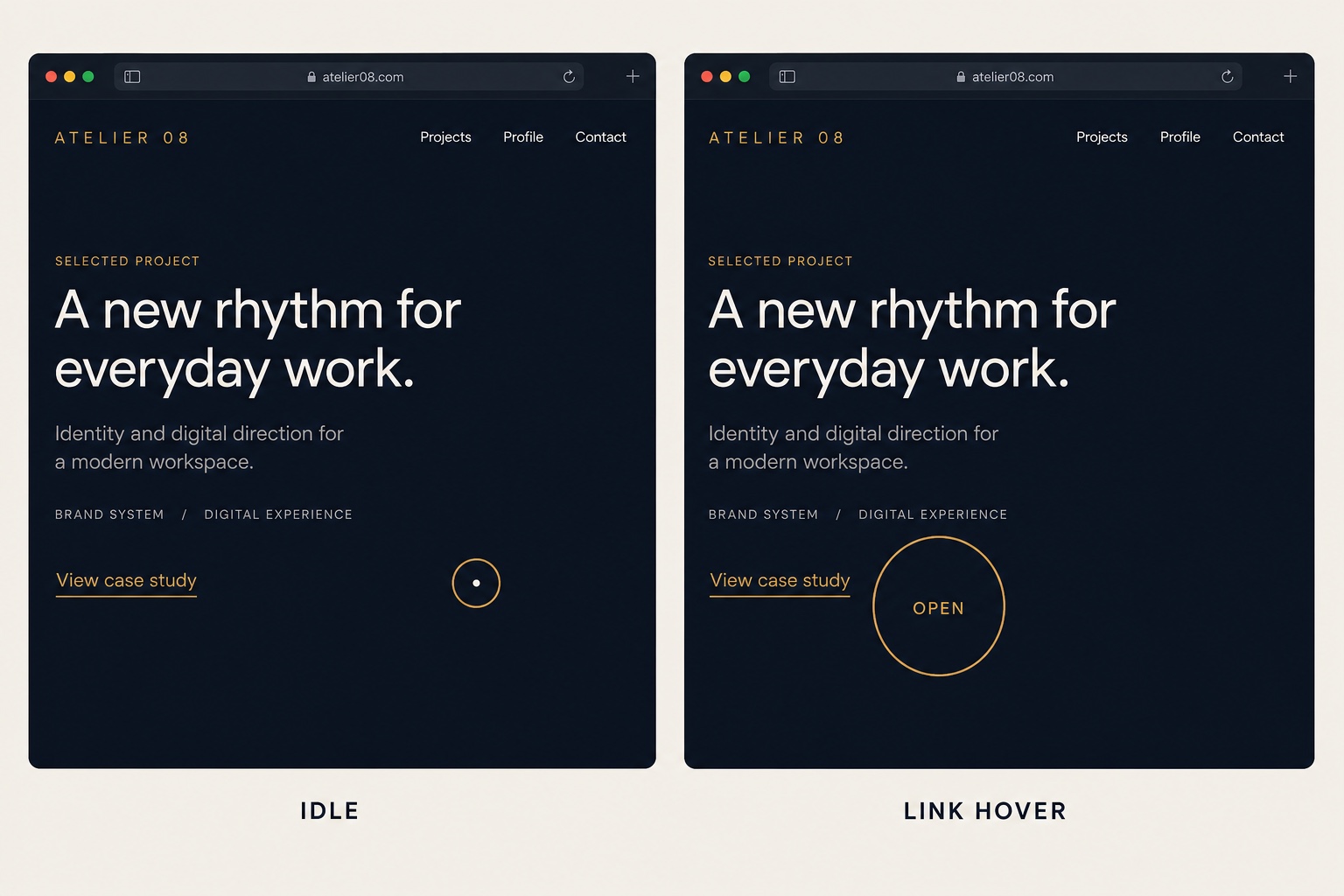
Replaces the default cursor with a dot and a trailing ring that grows over links, disabled automatically on touch devices.
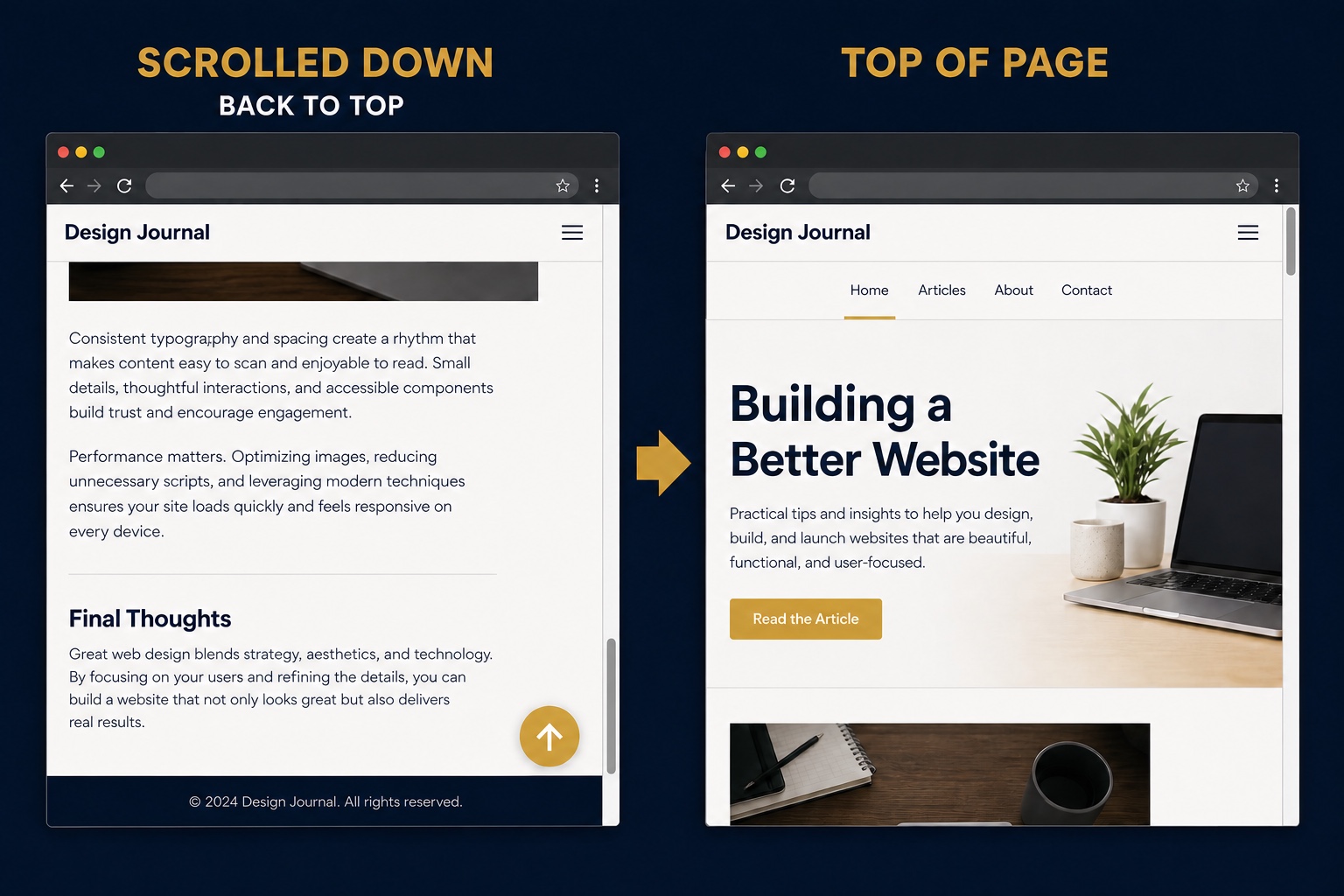
Injects a floating back to top button that fades in after scrolling and smooth scrolls to the top when clicked.
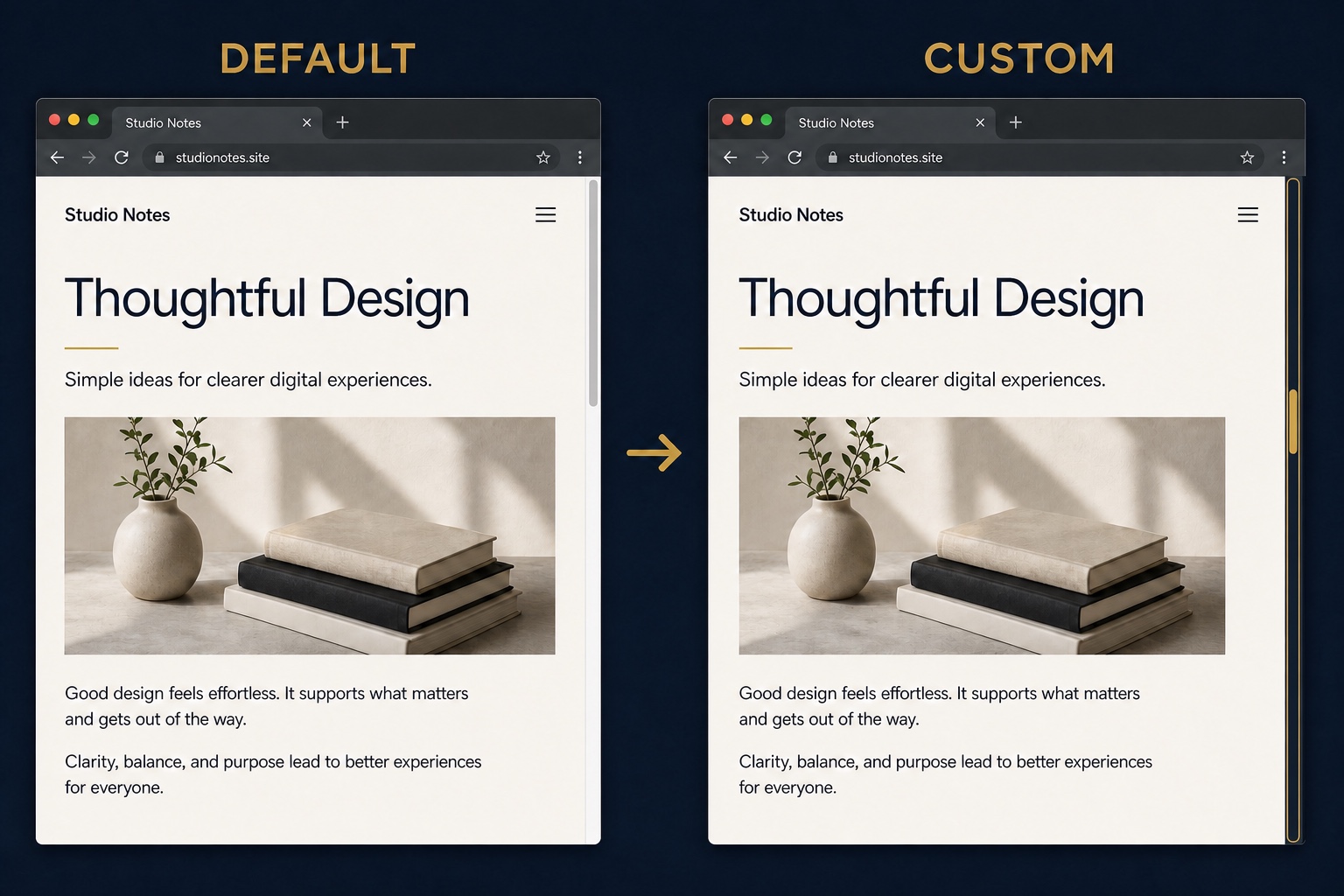
A slim, recolored scrollbar that matches your palette, covering WebKit browsers and Firefox with pure CSS.
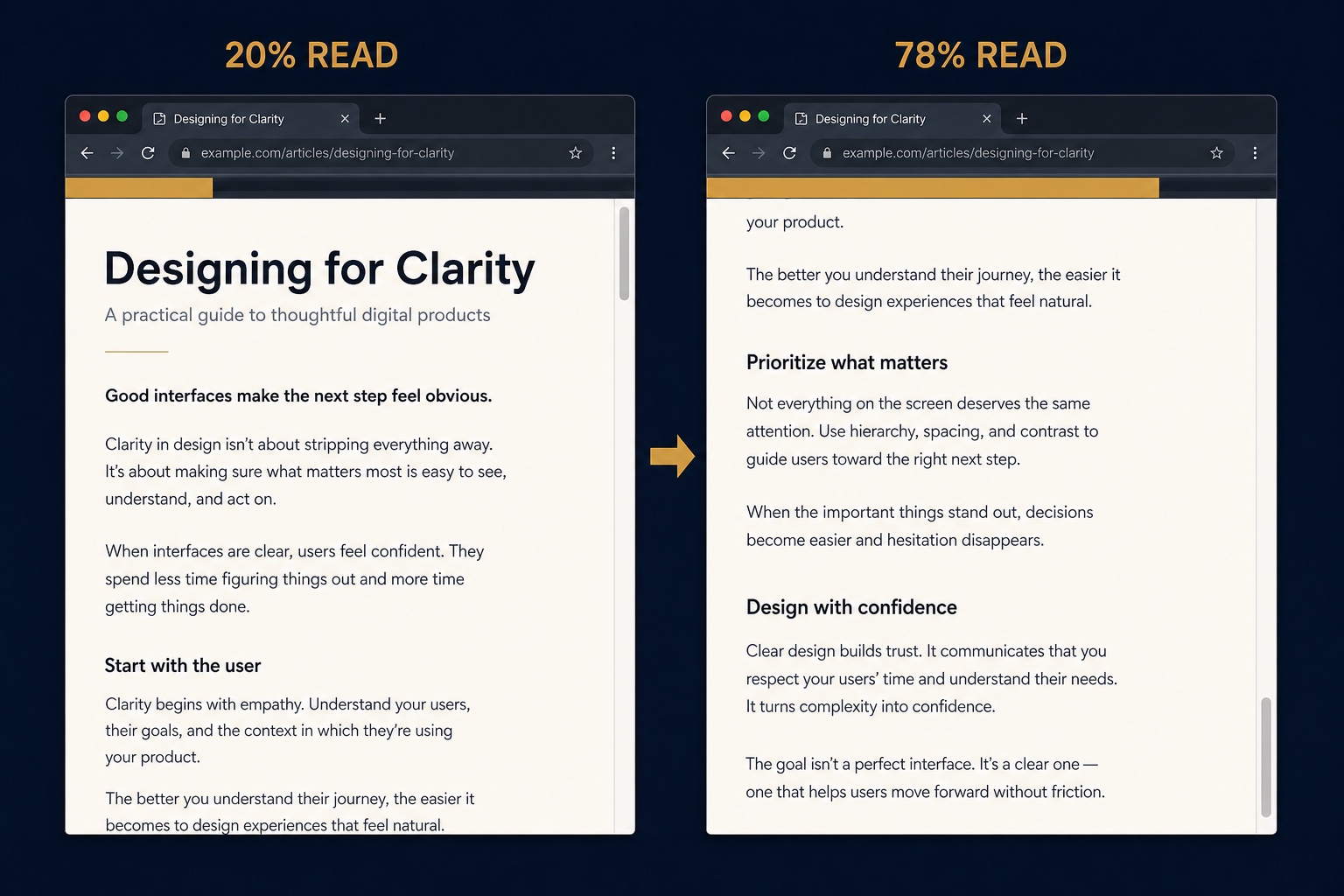
A thin gradient bar fixed to the top of the viewport that fills up as the visitor scrolls down the page.
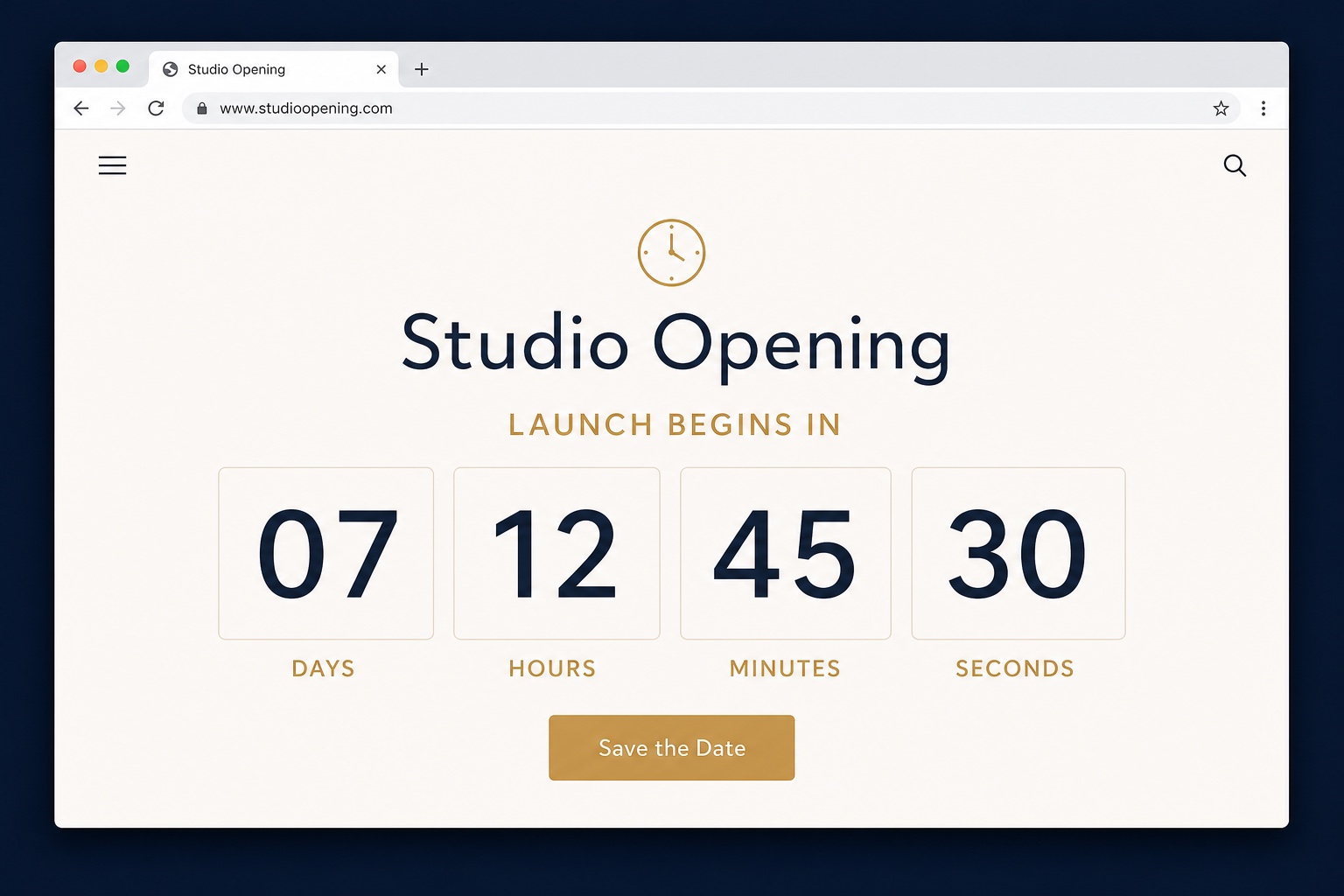
A date-configurable countdown showing days, hours, minutes, and seconds, in one self-contained code block.
Getting started
Every snippet page tells you which option to use and gives you the exact code to copy.
FAQ
Answers are expanded by default so the guidance is immediately available. You can collapse any answer you do not need.
Yes, within reason. Custom CSS and code injection are official Squarespace features built for exactly this purpose, and none of the snippets here touch your content or data. The honest caveat: Squarespace support does not troubleshoot custom code, so add one snippet at a time and keep a copy of what you added. If anything ever looks wrong, removing the snippet returns your site to its previous state.
Only for the JavaScript ones. Pure CSS snippets work on any Squarespace plan through the Custom CSS panel. JavaScript requires code injection or a code block that runs scripts, and Squarespace gates both behind the Business plan or higher. Every snippet on this page is labeled so you know before you click.
Usually not, but it can happen. These snippets target stable Squarespace 7.1 selectors, and each snippet page includes an honest compatibility note. Squarespace occasionally renames classes or restructures blocks between template versions, so if a snippet stops working after a platform update, check the selector names first. That fixes the large majority of breakages.
Yes. Everything in this library is free to copy, modify, and ship on personal or client Squarespace sites, no attribution required. If you get stuck adapting one to a specific template, reach out through the contact page.
Need more than a snippet?
I build custom Squarespace widgets, filters, integrations, and complete sites when copy-paste code is not enough.