Reading Progress Bar for Squarespace
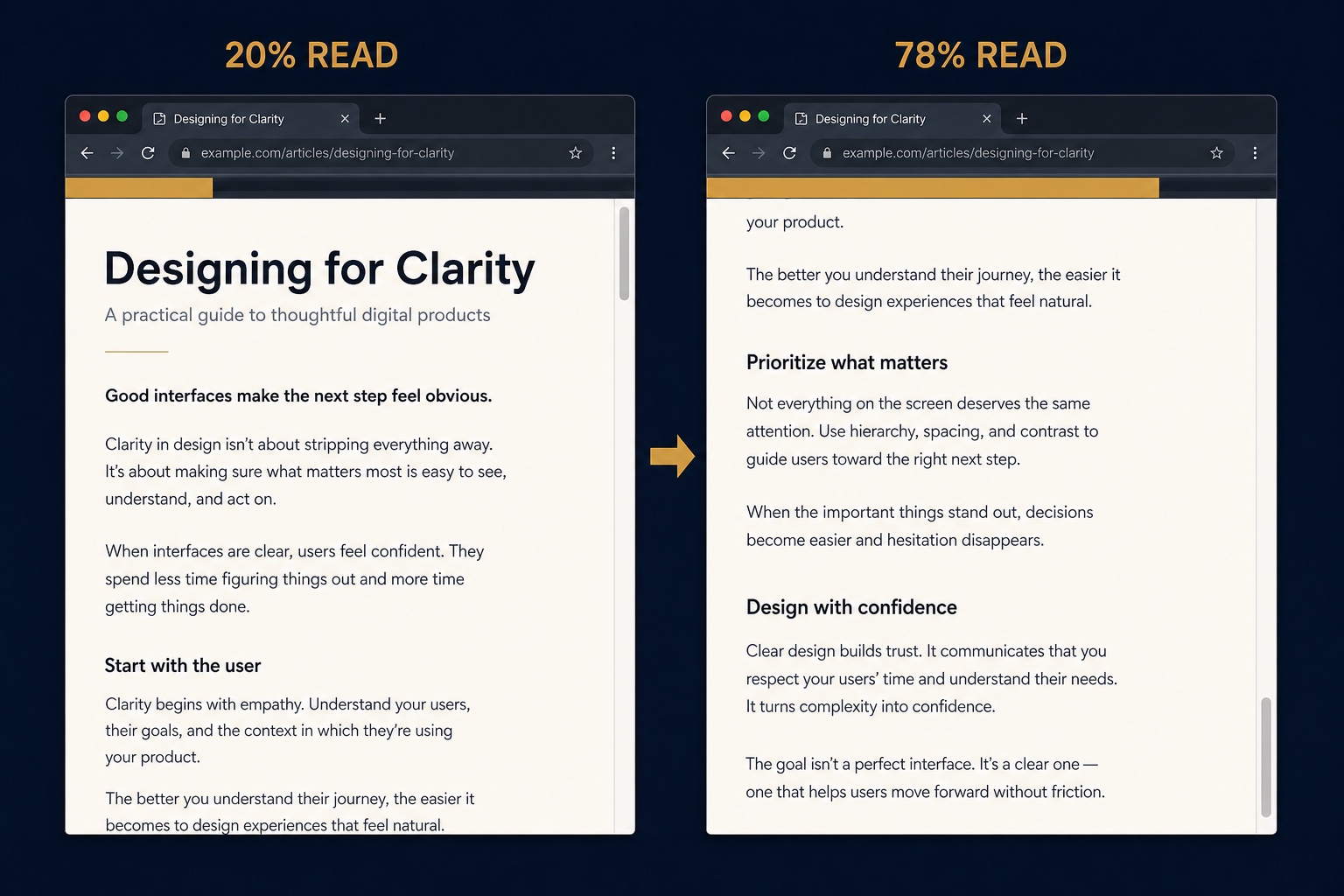
A reading progress bar shows visitors how far through a page they are, which works especially well on blog posts and long form guides. This snippet injects a thin gradient bar fixed to the top of the viewport and updates its width from the scroll position with a few lines of vanilla JavaScript. It recalculates on resize, costs almost nothing in performance, and takes one CSS rule to recolor for your brand. A commented line in the script lets you limit it to blog pages only.
The Code
<script>
(function () {
  /* Optional: only run on blog pages. Uncomment the next line. */
  /* if (!/collection-type-blog/.test(document.body.className)) return; */

  var bar = document.createElement('div');
  bar.id = 'reading-progress';
  document.body.appendChild(bar);

  function update() {
    var doc = document.documentElement;
    var max = doc.scrollHeight - window.innerHeight;
    var progress = max > 0 ? (window.scrollY / max) * 100 : 0;
    bar.style.width = progress + '%';
  }

  window.addEventListener('scroll', update, { passive: true });
  window.addEventListener('resize', update);
  update();
})();
</script>#reading-progress {
position: fixed;
top: 0;
left: 0;
height: 3px;
width: 0;
background: linear-gradient(90deg, #c9974a, #e6c98a); /* your brand colors */
z-index: 9999;
}How to Install It
- 1Go to Settings > Advanced > Code Injection (Website Tools > Code Injection on newer dashboards) and paste the JavaScript into the Footer field.
- 2Paste the CSS into Design > Custom CSS and change the gradient colors to your brand.
- 3To show the bar on blog pages only, uncomment the marked line near the top of the script.
Compatibility and Plan Requirements
Squarespace 7.1 and 7.0. Works on any page length; on very short pages the bar simply fills quickly. Requires the Business plan or higher for code injection.
This snippet uses JavaScript, which Squarespace only runs through code injection or code blocks on the Business plan or higher. On Personal plans the script will not execute.
More Squarespace Snippets
View all
Want This Done For You?
If you would rather not touch code, or you need something bigger than a snippet, I build custom Squarespace features for clients every week: widgets, search and filter tools, integrations, and full sites.